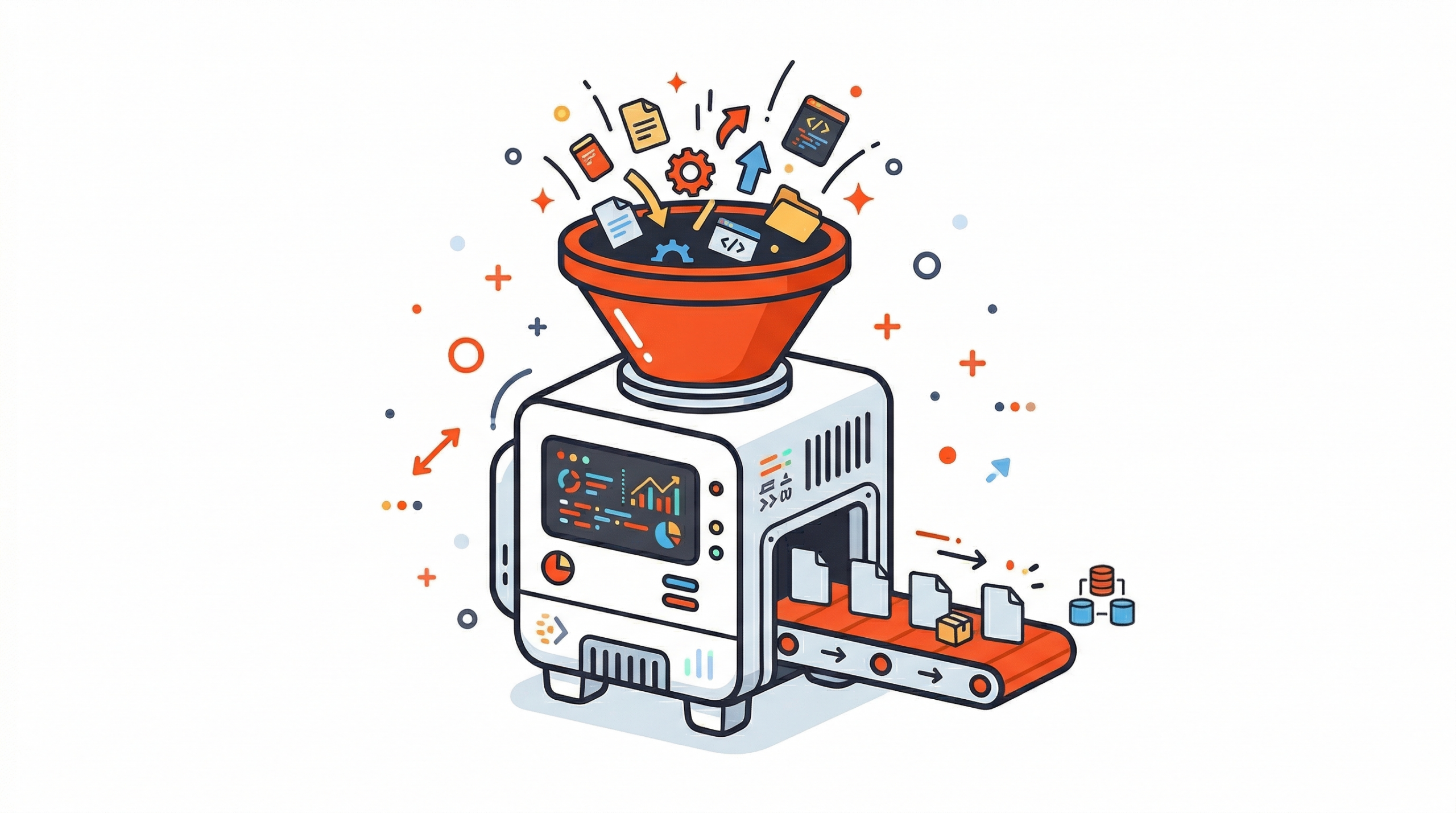
Every file your app handles is basically part of a pipeline. Whether it’s a user uploading a profile photo, a customer sharing a PDF, or a platform processing hours of video, each action starts a chain of technical decisions. The issue is that most teams don’t notice what’s wrong until the app starts growing and things begin to break.
Poorly managed file workflows create hidden technical debt, and it’s costly. Issues like slow performance, messy storage, security risks, and system crashes don’t just happen randomly. They’re usually the result of treating file handling as a small feature instead of what it really is: core infrastructure.
For CTOs and engineering VPs, getting this right from the start matters a lot. It’s the difference between a system that scales smoothly and one that slows down your team and increases costs.
In this guide, we’ll cover everything you need to know about file data pipelines, how they work, how to build them, and when it no longer makes sense to build everything yourself.
Key Takeaways
- Every file in your app goes through a pipeline, ignoring this leads to issues later.
- File pipelines handle uploads, processing, storage, and delivery in one flow.
- Scaling, speed, and security are the biggest challenges with files.
- Event-driven + microservices architecture works best for growth.
- In most cases, using a managed solution is easier than building your own.
To understand why this becomes a problem, we first need to understand what a file data pipeline actually is.
What Is a File Data Pipeline?
A file data pipeline is a specialised system designed to automate the ingestion, processing, storage, and delivery of unstructured data, such as images, videos, and documents, from a source to a destination, ensuring reliability, performance, and security at every stage.
Unlike regular data pipelines that work with structured data (like rows and columns), file pipelines deal with unstructured data. This means files can vary in size, format, and complexity.
For example, a single pipeline might handle a 500MB video upload, convert it into different resolutions, scan it for security issues, add AI-based tags, and deliver it worldwide using a CDN, all without slowing down the user experience.
Now that we know what a file pipeline is, let’s break it into simple parts.
Key Components of a File Pipeline
A well-built file data pipeline has four main parts:
- Ingestion: Getting the file from the user to your system. This layer handles uploads, checks file size and type, and uses fast networks to reduce upload time, regardless of where in the world the user is located.
- Processing: The transformation layer. After the file is uploaded, it gets processed. This can include things like resizing images, converting documents, scanning for malware, adding AI tags, or processing videos.
- Storage: This is where the file is stored after processing. Systems usually use different storage types, fast storage for frequently used files and cheaper storage for older ones. Files may also be stored across multiple cloud providers (S3, Azure Blob, GCS) for safety and reliability.
- Delivery: This is how the file reaches the end user. It uses CDNs to make sure files load quickly, regardless of the user’s geography or the size of the file.
These parts make more sense when you see how they work together in real life.
How File Data Pipelines Work (Step-by-Step)
Understanding how everything connects is much easier with a visual first. Here’s a simple diagram that shows the full flow:

This flow shows how a file moves through different stages, from upload to final delivery. Now let’s break it down step by step.
- File Ingestion: The upload starts from the user side. Using things like pre-signed URLs or multipart uploads, the file can go directly from the user’s browser to storage, without passing through your servers. This reduces server load and makes uploads faster, especially for large files.
- Processing & Transformation: After the file is uploaded, an event (like a webhook or queue) triggers background processing. This can include compressing files, converting formats, resizing images, adding AI tags, or scanning for viruses. Since this happens in the background, the user experience stays smooth.
- Storage & Management: Once processed, the file is saved with metadata like content type, owner, tags, and expiry. It’s then stored in the right place based on how often it’s used. Services like S3 are commonly used for this.
- Delivery via CDN: When a user requests the file, the CDN intercepts the request and delivers it from the closest location to the user. If needed, it can also make quick changes (like resizing an image) before sending the final file.
Once you understand the flow, the next step is how to design it properly.
File Data Pipeline Architecture Explained
This section explains how to design your pipeline so it can handle real-world usage. As your app grows, the way you structure your system becomes very important for performance and reliability.
Monolithic vs. Microservices Approach
In a monolithic approach, one single application handles everything: uploading, processing, and storing files. This works well in the early stages because it’s simple, easy to manage, and quick to build. But it doesn’t scale well. For example, one large file upload can use up all the system’s memory and cause issues in other parts of the app.
In a microservices approach, each part of the pipeline is handled by a separate service. Uploading, processing, and delivery all run independently and can scale based on need. This makes the system more flexible and better for growth. The downside is that it adds more complexity, there are more services to manage and more things that can fail. But for apps expecting to grow, this approach is much more reliable in the long run.
Breaking things into services is a good start, but how these services talk to each other also matters.
Event-Driven Pipelines (The Modern Standard)
Today, the most reliable file pipelines use an event-driven approach. Instead of running everything step by step in one flow, each stage sends out an event when it finishes, and the next stage listens for that event and starts its work. Tools like webhooks, Amazon SQS, and Kafka help make this possible.
For example, when a file upload is done, the system sends a file.received event. The processing service picks it up, does its work, and then sends a file.processed event. After that, the storage service takes over and stores the file.
Each step works independently, can retry if something fails, and can be monitored easily, making the system much more reliable.
Now that we understand the structure, let’s see how these systems actually run.
Serverless vs. Managed Infrastructure
When it comes to the processing layer, teams usually choose between serverless functions or managed solutions.
- Serverless (Lambda): Easy to use, requires less setup, and scales automatically. It’s also cost-effective for workloads that don’t run all the time. But it has limits, like slower starts (cold starts), a max execution time (15 minutes on AWS Lambda), and memory restrictions. Because of this, it’s not ideal for heavy tasks like large video processing.
- Managed Infrastructure: This means running your own dedicated setup for processing. It offers consistent performance and no strict limits, making it better for high-volume or time-sensitive tasks. The downside is higher cost and more responsibility to manage everything.
- Managed APIs (like Filestack): These are ready-made solutions that handle everything, including uploads, processing, storage, and delivery. This way, teams get powerful features without worrying about infrastructure.
Even with a good setup, real-world problems still show up when your system grows.
Common Challenges CTOs Face
These are the most common issues teams face when dealing with file pipelines at scale. Understanding them early helps you avoid costly mistakes later.
Scaling File Uploads
Handling files larger than 100MB is where many custom-built systems start to fail. In a typical setup, the server stays busy for the entire upload, which blocks resources. As traffic grows, even a few large uploads can take up all available workers and slow down or break other parts of the system.
The better approach is to keep large file uploads away from your application servers. Using things like pre-signed URLs, chunked uploads, and resumable uploads allows files to go directly to storage. This way, your backend doesn’t have to deal with heavy file data at all.
Latency: The Global User Problem
A file pipeline might work fast for users near your servers, but it can become very slow for users in other parts of the world.
To fix this, you need edge-based uploads. These send user requests to the nearest server location instead of one central server, making uploads faster no matter where the user is.
On the delivery side, CDNs help by storing files closer to users. So instead of fetching the file from the main server every time, it’s delivered quickly from a nearby location.
Security & Compliance
Files are a common way attackers try to break into systems. Malicious files, like viruses, fake images with hidden scripts, or unsafe documents, need to be stopped before they even reach your storage. That’s why virus scanning should happen during upload, not later as a separate task.
On top of that, rules like SOC 2 and GDPR add more requirements. They control where data is stored, how long it’s kept, and who can access it. For systems in regulated industries, these rules should be built into the infrastructure itself, not just handled in application code, which can be bypassed.
The good news is, these challenges are well understood, and there are proven ways to handle them.
Best Practices for Building Scalable File Pipelines
Teams that build reliable file systems at scale usually follow these practices:
- Use pre-signed uploads: Let users upload files directly to storage instead of going through your server. This reduces server load and avoids bottlenecks.
- Implement asynchronous processing: Don’t make users wait while files are being processed. Confirm the upload first, then handle things like resizing or scanning in the background using events or webhooks.
- Automate malware scanning: Always scan files for viruses as soon as they are uploaded. Treat this as a required step, and block or isolate any suspicious files before storing them.
- Leverage global CDNs: Use CDNs to deliver files faster from locations close to users. This improves speed and also reduces bandwidth costs.
- Use metadata properly: Add metadata to every file, like owner, content type, source, and status. This makes it easier to manage, search, and track files later.
- Design for failure: Assume things can break at any step. Add retries, backup queues, and alerts so your system can recover smoothly without affecting users.
At this point, a bigger question naturally comes up: should you build all of this yourself?
Build vs. Buy: Should You Use a File Pipeline API?
This is an important decision for engineering teams, and it’s often underestimated.
When to Build
Building your own file pipeline only makes sense in a few specific cases. For example, if you have very unique processing needs that no existing service supports, if your file volume is low so the effort is manageable, or if strict regulations stop you from using third-party tools.
For most teams, these situations don’t really apply.
When to Buy
If the time and effort needed to build and maintain a file pipeline is higher than using an existing solution, then buying is the better choice.
Building your own system isn’t just a one-time task. You have to design the architecture, handle edge cases, set up retries, manage CDNs, add security checks, and keep everything running as your system grows. Over time, this becomes more complex and expensive.
A managed file pipeline API gives you everything ready from day one, direct uploads, global CDN delivery, malware scanning, file transformations, and even AI features, without building all the backend logic yourself. This lets your team focus more on building actual product features.
The decision is simple: if file infrastructure isn’t your core strength or competitive advantage, it’s better to buy.
This is where managed solutions can save a lot of time and effort.
Your engineers shouldn’t spend time building basic S3 upload systems.
Filestack takes care of uploads, file processing, security checks, and fast delivery for you. So your team can focus on building real features that matter. See how Filestack works
How Filestack Simplifies File Data Pipelines
Filestack is built specifically to solve all the problems we’ve discussed. Instead of combining different tools like S3, Lambda, CloudFront, and custom security setups, it gives you one simple API that handles everything.
- Upload APIs: Filestack makes file uploads fast and easy with just a few lines of code. It supports direct uploads, chunked uploads, resumable uploads, and fast global endpoints right out of the box.
- Real-time transformations: You can process files instantly, like resizing images, converting formats, or processing videos, without storing extra versions. Everything can happen on the fly.
- Intelligence: It also includes built-in smart features like OCR (to extract text from documents), AI tagging (to organise content automatically), and virus detection to block harmful files before they are stored.
- Delivery: Files are delivered quickly using a global CDN. You can even modify files (like resizing images) directly through the URL, without creating multiple copies in advance.
For teams managing all this manually, the difference is huge. It can take months to build, but with Filestack, you can get started in just a few lines of code.
To understand this better, let’s compare file pipelines with traditional data pipelines.
File Pipeline vs. Traditional Data Pipeline
Understanding the difference between these two helps you make better architecture decisions:
| Feature | File Data Pipeline | Traditional ETL Pipeline |
| Input Type | Unstructured (Images, Video, PDFs) | Structured (SQL, JSON, CSV) |
| Processing | Media tasks (OCR, video processing, AI tagging) | Data transformation and aggregation |
| Main Challenge | Handling large files and reducing delay | Keeping data accurate and consistent |
| Scaling Bottleneck | Upload speed and memory usage | Query performance and processing cost |
| Security Focus | Malware scanning, access control | Data integrity, encryption |
| Delivery | Global delivery using CDNs | Data served via APIs or databases |
The main difference is this: Traditional ETL (Extract, Transform, Load) pipelines focus on structured data and making sure it stays accurate during processing.
File pipelines, on the other hand, focus on handling large files efficiently, making sure uploads, processing, and delivery all happen quickly without delays.

Final Thoughts
File data pipelines aren’t just a small part of your system; they directly impact user experience, costs, and security. Every file that enters your system without a proper pipeline adds technical debt that grows over time.
Getting this right means planning for scale early, adding security from the very beginning, and understanding the real cost of building and maintaining your own setup.
For most teams, the quickest way to get a reliable file pipeline isn’t building everything from scratch. It’s using a managed solution that handles uploads, processing, security, and delivery, so your team can focus on building what truly makes your product stand out.
FAQ
What is a file data pipeline?
A file data pipeline is an automated workflow that handles files (images, videos, documents) from upload to processing, storage, and delivery. It manages different formats and steps like transformation, along the way.
How is a file data pipeline different from ETL?
ETL works with structured data (tables, rows), while file pipelines handle unstructured files. Instead of data cleaning, file pipelines focus on tasks like resizing, converting, OCR, or tagging.
What is the best architecture for a file data pipeline?
An event-driven microservices setup works best. Each step runs independently and communicates via events, making it easier to scale and handle failures.
Should I build or buy a file pipeline?
Build only if you have very specific needs or low usage. Otherwise, buying is usually better since building and maintaining a pipeline takes significant time and effort.

Shefali Jangid is a web developer, technical writer, and content creator with a love for building intuitive tools and resources for developers.
She writes about web development, shares practical coding tips on her blog shefali.dev, and creates projects that make developers’ lives easier.
Read More →