

Fast image uploads are essential in modern apps where users expect instant, seamless experiences. From social media to e-commerce, slow uploads can frustrate users and hurt engagement.
As real-time media handling becomes more common, developers need upload APIs that are not just functional—but fast, reliable, and easy to integrate.
In this article, we rank the top 7 quick image upload APIs based on speed, usability, and developer experience to help you find the best fit for your next project.
Key takeaways
- Speed matters: A quick image upload API improves user experience, especially in media-heavy apps where delays can lead to drop-offs.
- Filestack, Cloudinary, and ImageKit are top choices for developers needing speed, flexibility, and built-in image transformations.
- Firebase Storage and Amazon S3 offer robust upload performance, ideal for mobile apps and backend-driven architectures.
- Look beyond uploads: Features like CDN delivery, auto-tagging, resizing, and format optimization can enhance overall performance and scalability.
- Always test before you commit: Try out a few APIs in real-world conditions to find the best fit for your project’s workflow and budget.
What makes an image upload API “Quick”?
Not all image upload APIs are built for speed. If you’re aiming for seamless performance and a responsive user experience, here are the key factors that make an API truly “quick”:
- Upload speed benchmarks
Low latency and fast processing time are the foundation of a quick image upload experience. APIs that minimize time-to-first-byte and overall upload duration are ideal for modern apps. - CDN and edge computing support
APIs that leverage global Content Delivery Networks (CDNs) and edge servers can route uploads to the nearest server, reducing latency and accelerating upload time across regions. - File optimization and compression
Smart compression reduces file size without sacrificing quality, speeding up uploads and reducing bandwidth use—especially important for mobile and low-bandwidth users. - Upload concurrency and chunked uploads
APIs that support parallel file uploads and chunking can handle large files more efficiently and recover from interruptions without restarting the entire upload. - Integration speed
Speed isn’t just about runtime performance—it’s also about developer experience. APIs with well-documented SDKs, clear docs, and strong support let you implement features faster and with fewer bugs.
The essential elements that determine an image upload API’s speed are the factors that make it “quick”.
Top 7 Quick Image Upload APIs (Ranked by Speed)
It’s important to choose the right image upload API to improve your app’s performance and user experience. Let’s explore the top ten image upload APIs based on real-world speed, feature set, and ease of integration.
1. Filestack
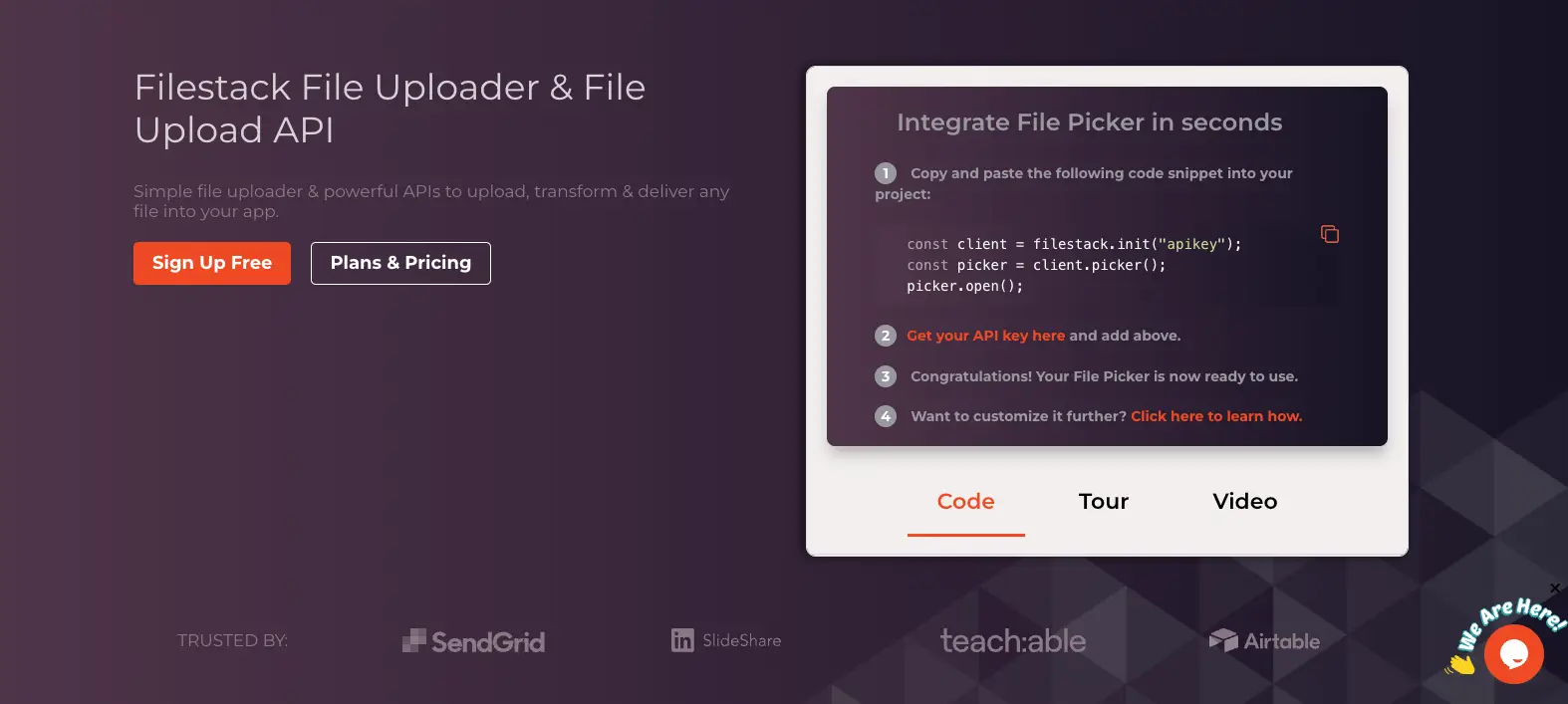
Filestack is one of the fastest and most developer-friendly image upload APIs on the market. It’s designed for high-performance applications that require real-time media processing and global scalability.
Filestack uses a global CDN and intelligent file routing to deliver low-latency uploads, with upload speeds reported to be 2–3x faster than traditional upload methods—especially when paired with its Intelligent Ingestion and multipart uploads for large files.
Filestack offers robust SDKs for JavaScript, React, Python, Android, iOS, and more. Its JavaScript SDK is lightweight and extremely simple to integrate.
Key features
- Intelligent file ingestion with automatic retries
- Built-in virus detection and file transformation
- Real-time image compression, resizing, cropping, and conversion
- Drag-and-drop uploader with responsive design
- Webhooks and detailed file analytics
- Supports over 20 sources (camera, URL, social media, etc.)
Pros
- Excellent upload speed and reliability
- Powerful image transformation and CDN delivery
- Easy-to-use file picker with customizable UI
- Secure uploads with built-in virus detection and authentication
- Great documentation and GitHub support
Cons
- Advanced features like virus detection or OCR are only available in paid plans
- Slight learning curve for full API customization
Pricing
Filestack offers a free tier and paid plans starting from $69/month.
Ideal use cases
- Web and mobile apps needing reliable image or document uploads
- SaaS platforms, marketplaces, and CMS systems
- E-commerce sites with image-heavy content
- Apps needing built-in virus scanning or transformations
Implementation example
Here’s how simple it is to upload an image using the Filestack JavaScript SDK:
<!-- Include Filestack SDK -->
<script src="https://static.filestackapi.com/filestack-js/3.x.x/filestack.min.js"></script>
<!-- Upload Script -->
<script>
  // Initialize Filestack client
  const client = filestack.init('YOUR_API_KEY');
  // Open the file picker
  client.picker({
    accept: 'image/*',
    maxFiles: 1,
    onUploadDone: (result) => {
      console.log('File uploaded:', result);
    }
  }).open();
</script>
This code initializes the Filestack client and opens a file picker UI for instant image uploads.
For more advanced use cases, view the documentation of the Filestack JavaScript SDK.
2. Cloudinary
Cloudinary is a popular image and video management platform trusted by major brands for its robust media handling and delivery features. It stands out for combining fast uploads with powerful image optimization and transformation tools.
Cloudinary offers auto-scaled uploads via a globally distributed CDN, delivering reliable performance even during high traffic. Its automatic image optimization and transformation pipeline helps reduce file sizes without affecting quality, resulting in faster end-to-end media delivery.
Cloudinary provides SDKs for JavaScript, React, Vue, Node.js, Python, PHP, Ruby, Android, iOS, and more. Integration is well-documented and beginner-friendly.

Key features
- Automatic format conversion and quality optimization
- Real-time image transformations (resize, crop, effects)
- Adaptive delivery via CDN and lazy loading
- Extensive support for images, videos, and rich media
- Strong analytics and asset management tools
Pros
- Excellent media transformation tools
- Developer-friendly APIs with visual documentation
- Smart image optimization without extra logic
Cons
- Slightly complex pricing model
- Some features are locked behind higher-tier plans
Pricing
This API comes with a free tier, and paid plans start from $89/month.
Ideal use cases
- E-commerce platforms, media-heavy blogs, and mobile apps
- Apps needing transformation and fast delivery on the fly
Implementation example
Here’s how simple it is to upload an image using the Cloudinary JavaScript SDK:
<!-- Include Cloudinary Upload Widget -->
<script src="https://upload-widget.cloudinary.com/global/all.js" type="text/javascript"></script>

<button id="upload_widget">Upload Image</button>

<script>
  const myWidget = cloudinary.createUploadWidget({
    cloudName: 'your_cloud_name',
    uploadPreset: 'your_upload_preset'
  }, (error, result) => {
    if (!error && result && result.event === "success") {
      console.log('Image uploaded successfully:', result.info);
    }
  });

  document.getElementById("upload_widget").addEventListener("click", () => {
    myWidget.open();
  }, false);
</script>
3. ImageKit
ImageKit is a real-time image and media optimization platform that stands out for its lightning-fast CDN delivery, automatic compression, and intelligent caching.
ImageKit uses a global CDN (including AWS CloudFront, Fastly, etc.) with intelligent cache purging and real-time image transformation to ensure near-instant media delivery. Its built-in optimization reduces file sizes by up to 80%, speeding up uploads and display times, especially on mobile.
ImageKit offers SDKs for JavaScript, Node.js, React, Angular, Vue, PHP, Python, Ruby, Android, and iOS. Its URL-based transformation system makes implementation easy and flexible.

Key features
- Real-time image and video resizing, cropping, and transformations
- Smart image compression (lossy/lossless)
- Built-in lazy loading and LQIP (Low-Quality Image Placeholder)
- Automatic WebP/AVIF conversion
- Custom domain support and SEO-friendly image URLs
Pros
- Automatic format & quality optimization
- Simple URL-based transformation logic
- Developer-friendly documentation and real-time dashboard
Cons
- Advanced features may require a learning curve
- Free tier is generous but has usage caps
Pricing
ImageKit offers a free tier, with paid plans starting at $9/month, along with pay-as-you-go pricing.
Ideal Use Cases
- E-commerce stores with product-heavy pages
- Blogs, SaaS platforms, or apps requiring fast-loading media
- Developers who want powerful transformations with minimal setup
4. Uploadcare
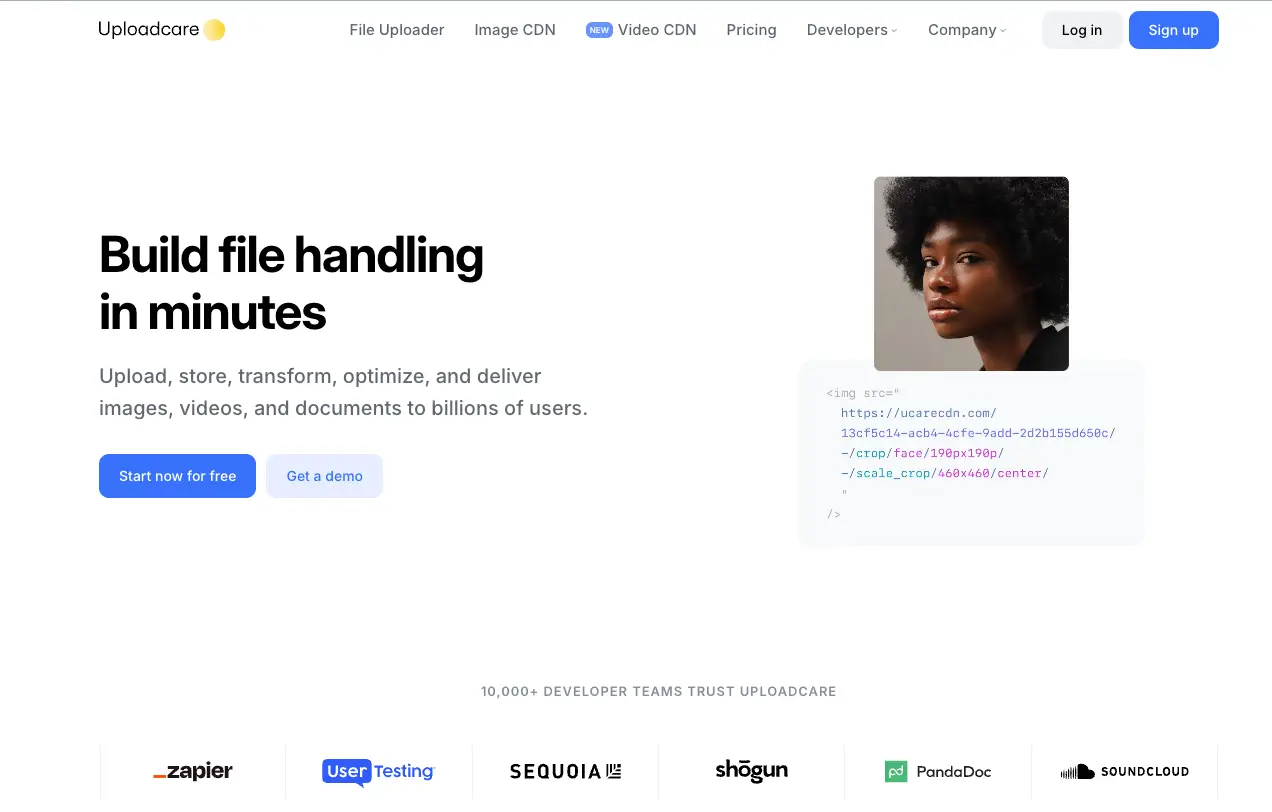
Uploadcare is a developer-first file handling platform built for speed, reliability, and scalability. It combines fast uploads, a smart CDN, and on-the-fly media processing—all within a simple, secure interface.
Uploadcare uses an intelligent upload architecture backed by a globally distributed CDN. It supports chunked uploading, parallel uploads, and automatic retries, enabling lightning-fast and reliable performance across devices and network conditions.
Uploadcare provides SDKs for JavaScript, Python, PHP, Android, iOS, Ruby, React, and more, along with REST and GraphQL APIs. The file picker and widget integrations are quick to set up.
Key features
- Uploads via URL, camera, drag & drop, or file picker
- Real-time image transformations (resize, crop, blur, rotate, etc.)
- Smart CDN with instant purging and edge caching
- Face detection and AI-driven image analysis
- Adaptive delivery (WebP/AVIF support, auto quality)
Pros
- Built-in CDN and automatic transformations
- Strong image security and privacy controls
- Great for high-performance and dynamic image delivery
Cons
- Free tier is somewhat limited for production-scale use
- Some advanced transformations are usage-based
Pricing
This tool also comes with a free plan, and paid plans start at $66/month.
Ideal use cases
- Real-time user content uploads (e.g., profile photos, galleries)
- SaaS products needing fast, secure image handling
- Startups and scale-ups that want flexible, API-driven file workflows
5. Imgix
Imgix is a real-time image processing and CDN delivery service that makes it easy for developers to serve high-performance, optimized images across platforms. Known for its blazing-fast rendering and smart caching, Imgix also supports file uploads via API and S3 integration.
With edge nodes across the globe and powerful rendering infrastructure, Imgix delivers low-latency image processing and fast content delivery. Its real-time URL-based transformations minimize the need for pre-processed images, helping developers save time and storage.
Imgix supports SDKs for JavaScript, React, Ruby, PHP, Node.js, Python, and more. The image URLs are easily configurable via query strings, allowing dynamic rendering with minimal setup.

Key features
- Real-time image transformations (resize, crop, watermark, etc.)
- Integration with S3, GCS, Azure Blob, and Web Folder sources
- Smart caching and instant invalidation
- AVIF and WebP conversion for modern web performance
- Automatic device-based image rendering
Pros
- Real-time transformations with excellent caching
- Broad source support, including cloud storage
- Developer-first with flexible integration options
Cons
- No built-in file picker or uploader UI
- Focuses more on delivery than upload functionality
Pricing
You can start Imgix for free, and the paid plans start at $25 per month. Its pricing calculator helps you decide the most suitable plan for your requirements.
Ideal use cases
- Sites needing responsive image rendering and CDN delivery
- Performance-focused applications with large image libraries
- Media-heavy apps with custom rendering needs
6. Firebase Storage
Firebase Storage is a cloud-based file storage solution built on Google Cloud Infrastructure, making it fast, secure, and highly scalable for web and mobile apps. While not specialized for image optimization, it offers a reliable and efficient way to handle quick image uploads.
With Google’s global infrastructure and intelligent routing, Firebase ensures low-latency uploads. Features like resumable uploads, chunking, and auto-retry make it ideal for real-time mobile use.
Key features
- Seamless SDKs for Android, iOS, and Web
- Resumable uploads with automatic recovery
- Firebase Authentication integration for secure access
- Rule-based access control for granular file security
Pros
- Excellent mobile SDK support
- Built-in user authentication and permissions
- Fast and reliable under Google’s infrastructure
Cons
- No built-in image transformations
- Requires additional setup for CDN or optimizations
Pricing
Fiesbase Storage also offers a free tier and pay-as-you-go via Google Cloud billing.
Ideal use cases
- Mobile apps needing reliable image uploads
- Apps already built on Firebase/Google Cloud
- Developers prioritizing authentication and file security
7. Amazon S3 with Transfer Acceleration
Amazon S3 is one of the most powerful and reliable storage services available, and when paired with Transfer Acceleration, it becomes a high-speed image upload solution—especially for applications with a global user base.
Transfer Acceleration uses Amazon CloudFront’s global edge locations to speed up uploads by routing them through the closest AWS edge server, reducing latency significantly. Uploads from remote locations can see performance boosts of 50–300% compared to standard S3 endpoints.
Amazon S3 offers SDKs for JavaScript, Python (Boto3), Java, Go, PHP, .NET, and more. However, frontend implementation requires more manual setup than other image-specific APIs.
Key features
- Scalable file storage with high availability and durability
- Multipart and resumable uploads for large files
- Global edge network for accelerated uploads
- Secure access with IAM, bucket policies, and signed URLs
Pros
- Extremely reliable and secure
- Global acceleration for remote uploads
- Full control over storage and access policies
Cons
- No built-in image optimization or transformations
- Requires custom frontend or server logic for upload UI
Pricing
Free tier is included for storage and data transfer under the AWS free tier. And Transfer Acceleration is billed separately and varies based on the location of the uploading client. Charges apply per GB transferred through Amazon CloudFront edge locations..
Ideal use cases
- Apps with global audiences needing fast, large file uploads
- Enterprise and backend-heavy systems
- Developers seeking maximum control and AWS ecosystem integration
How to choose the best image upload API for your project
Selecting the right image upload API depends on your project’s specific needs. Your application needs a service that matches its requirements, so evaluate file size restrictions, regional availability, API rate controls, and pricing structures for scalability.
The developer experience is equally important—evaluate API documentation quality, responsive support, and integration example clarity to achieve faster development times.
Assess the additional features your application requires beyond basic upload functionality. Media-heavy applications benefit from performance and user experience improvements through features that include auto-tagging, real-time resizing, format conversion, and image optimization.
Conclusion
Choosing the right image upload API can significantly boost your app’s performance, user satisfaction, and development speed. Whether you’re focused on speed, scalability, or powerful transformation features, the seven quick image upload APIs we explored offer a range of strengths for different use cases.
Before committing, test 2–3 options with real-world uploads to see which one best fits your needs. Factors like latency, SDK quality, and optimization tools will impact your results in production.
Need more speed? Try Filestack’s free tier to experience blazing-fast uploads and see how it fits into your tech stack.


Shamal is a seasoned Software Consultant, Digital Marketing & SEO Strategist, and educator with extensive hands-on experience in the latest web technologies and development. He is also an accomplished blog orchestrator, author, and editor. Shamal holds an MBA from London Metropolitan University, a Graduate Diploma in IT from the British Computer Society, and a professional certification from the Australian Computer Society.
Read More →